








Generator
Historia
Generátor planów AI
Wijzigingshulpmiddel
Model
Basis
Przełącz
Pokoje
sypialnia
-
2
+
łazienka
-
1
+
Kuchnia
otwarty
zamknięty
Powierzchnia brutto
Jednostka Metryka
 imperial
Metryka imperialArea
< 50㎡
50-80㎡
80-100㎡
100-120㎡
120-150㎡
> 150㎡
Dodatki
walk-in closet
laundry room
storage room
utility room
home office
garage
pantry
combined living-dining
balcony

Discover the Best Floor Plan Creator: Ideal House AI Generator
Unleash your design potential with Ideal House’s AI Floor Plan Generator, recognized as the best floor plan creator for efficiency and accuracy. Craft professional 2D floor plans in seconds, tailored precisely to your specifications. Whether you’re a homeowner, designer, or real estate professional, our intuitive platform simplifies the complex task of creating ideal layouts. Say goodbye to tedious drafting and hello to instant, clear, and shareable floor plans.
Generate My Floor Plan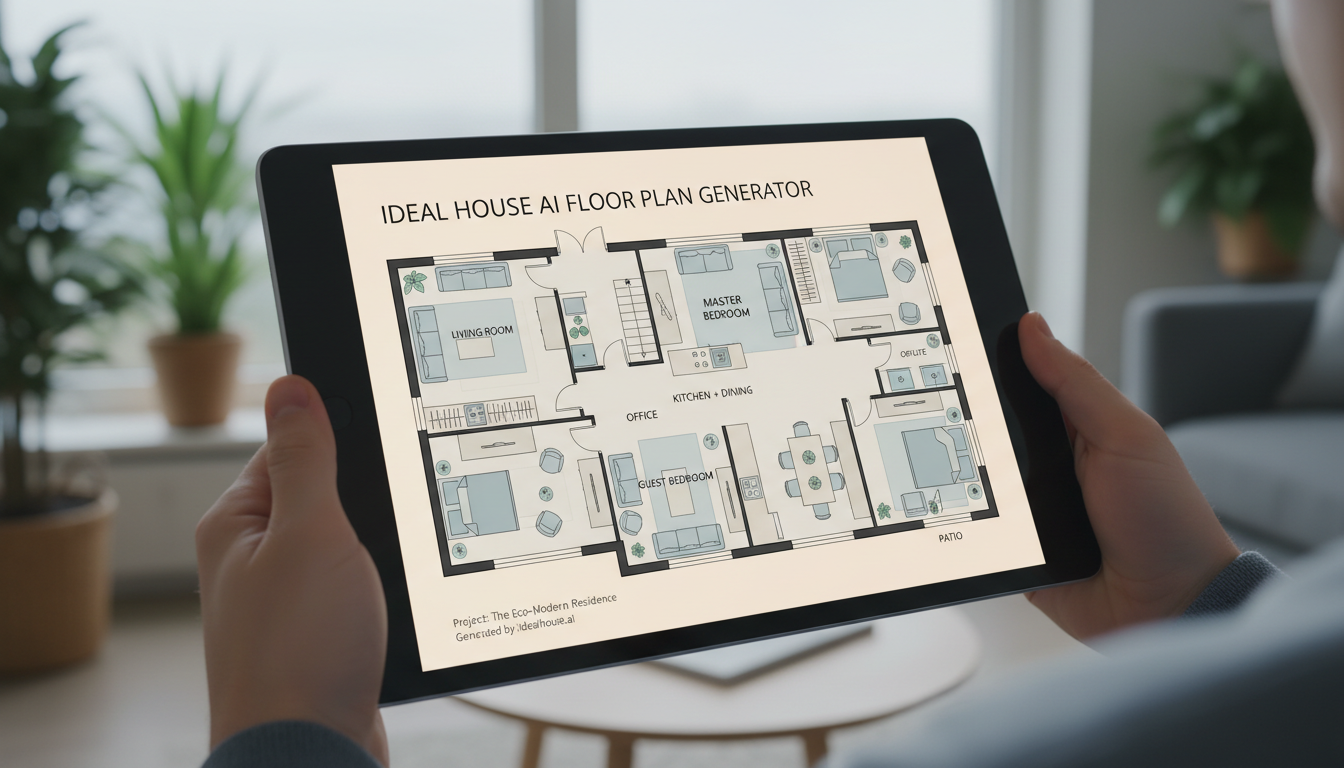


Why Ideal House is the Best Floor Plan Creator
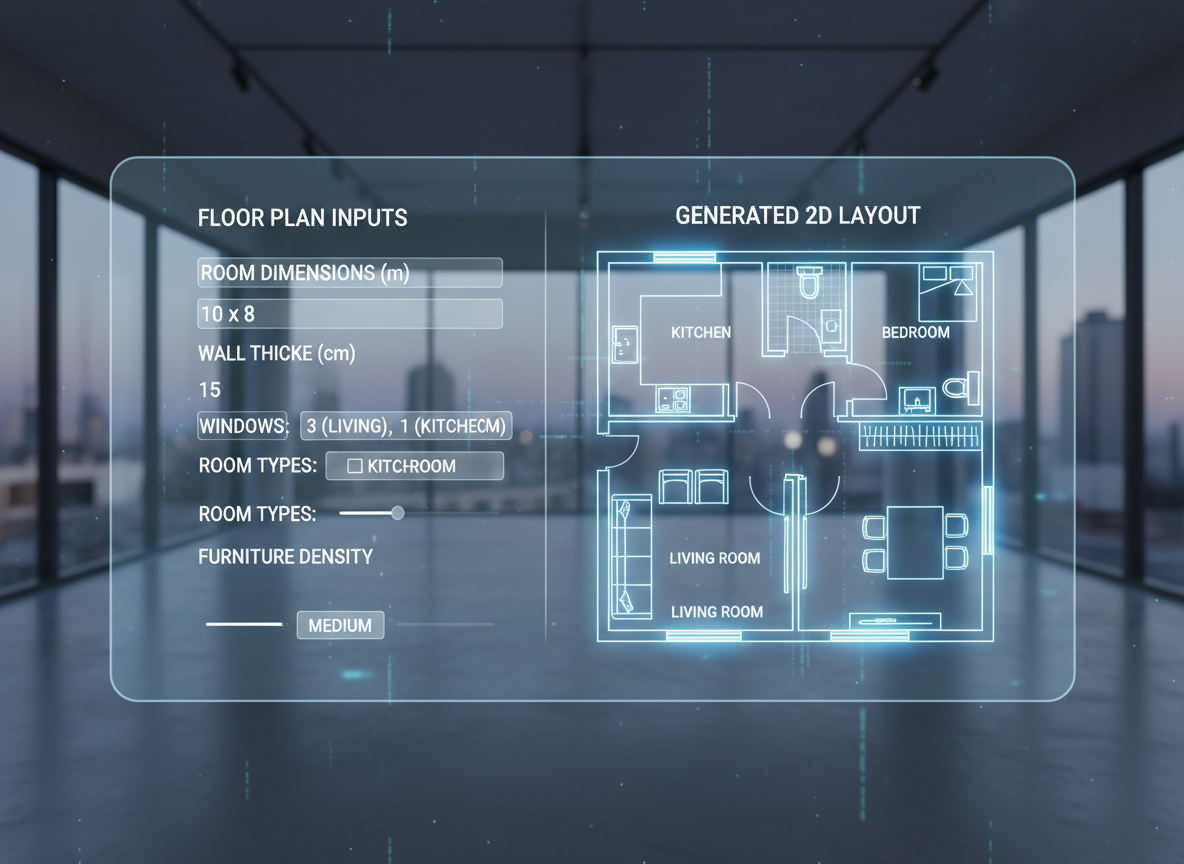
Instant 2D Floor Plan Generation
Our AI Floor Plan Generator transforms your ideas into a precise 2D floor plan with unmatched speed. Input your desired number of bedrooms and bathrooms, kitchen style, gross area, and essential extras. Within moments, our advanced AI creates a ready-to-use floor layout planner that meets your needs. This rapid generation makes Ideal House the best floor plan creator for quick iterations and concept development, saving you valuable time.

Unparalleled Customization & Control
Gain granular control over your design with our parameter-driven planning. Specify everything from an open or closed kitchen concept to a walk-in closet, laundry room, home office, or garage. This level of detail ensures that every floor plan created reflects your exact vision, making Ideal House the ideal house plan creator for personalized residential floor plans. Experiment with various configurations to find your perfect layout.

Seamless Workflow for Professionals
For real estate agents, contractors, and interior designers, our AI Floor Plan Generator streamlines your project workflow. Generate simple floor plans for listings, quickly illustrate design concepts for clients, or convert verbal briefs into tangible 2D floor plans. Every iteration is saved in your generation history, allowing easy comparison and refinement, solidifying our reputation as the best floor plan creator for collaborative projects.
Accessible & User-Friendly Design
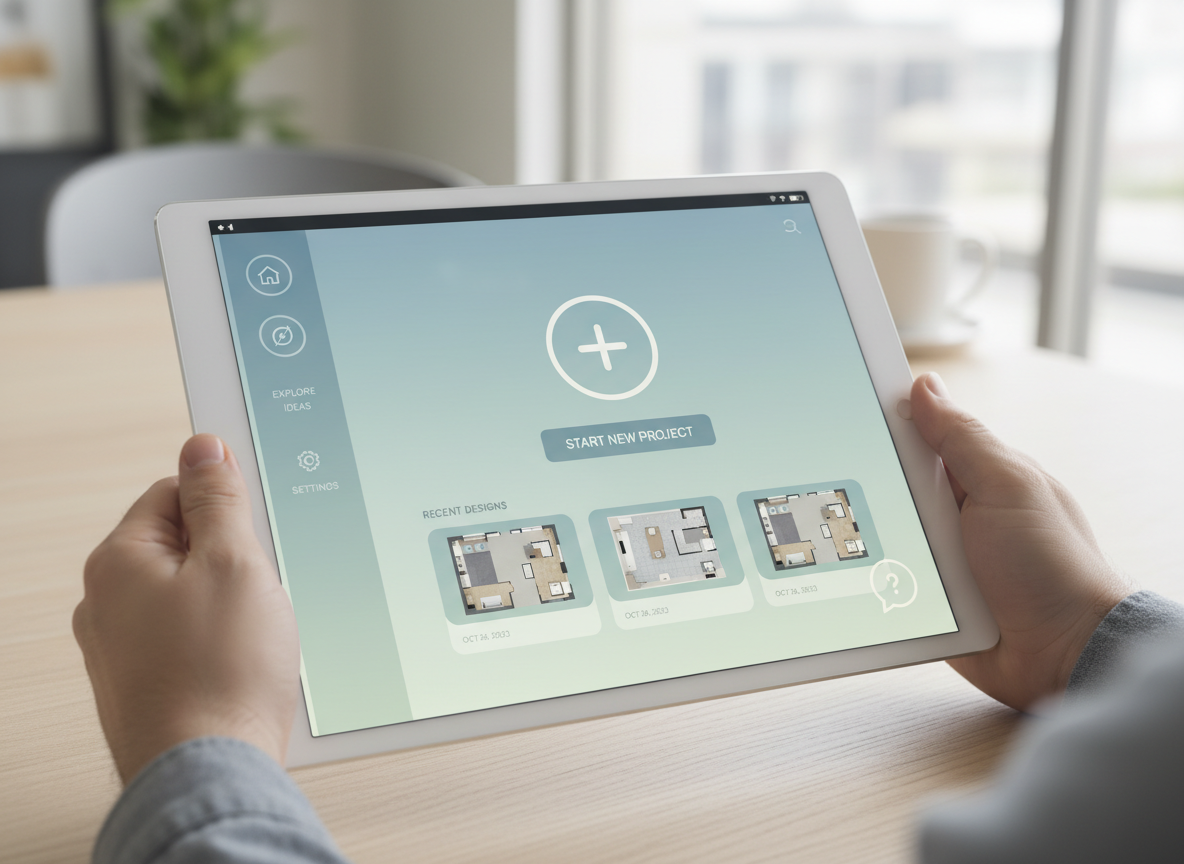
You don't need to be an architect to use the best floor plan creator. Ideal House offers an intuitive, easy-to-use interface that makes floor plan design accessible to everyone. Our online floor plan tool is perfect for homeowners looking to create floor plan layouts for renovations or simply visualize their dream home. Experience powerful home design software without the steep learning curve.

Who Benefits from the Best Floor Plan Creator?

**Homeowners & DIY Enthusiasts:** Easily visualize renovations, create floor plan layouts for new homes, or experiment with room arrangements like adding a walk-in closet or deciding on an open vs. closed kitchen.

**Interior Designers & Decorators:** Generate quick apartment layout planner concepts, iterate with clients in real-time, and produce professional 2D floor plans that align with your design brief and overall home design software needs.

**Real Estate Professionals & Developers:** Rapidly create consistent, high-quality 2D real estate floor plans for property listings, helping potential buyers immediately grasp the layout and flow of a home.

How to Use Ideal House: The Best Floor Plan Creator
1
**Set Your Rooms:** Begin by specifying the desired number of bedrooms (0–4) and bathrooms (1–3) to define the core of your house plan creator project. This sets the fundamental structure for your residential floor plans.
2
**Choose Your Kitchen Style:** Decide between an open or closed kitchen concept. This crucial choice influences the overall flow and functionality of your living and dining areas within the floor layout planner.
3
**Pick Your Gross Area:** Select a gross area range that best matches your target size. This guides the AI to generate a proportional and realistic 2D floor plan that fits your spatial requirements.
4
**Add Your Extras:** Enhance your custom floor plans by selecting additional features like a walk-in closet, laundry room, home office, garage, pantry, combined living-dining, or balcony. These shape the zoning and relationships between spaces.
5
**Generate & Review:** Click 'Generate' to instantly create your floor plan. Review the results in the preview panel and your generation history. Tweak inputs and regenerate to compare different versions and find the best floor plan creator output.
6
**Download & Share:** Export your selected floor plan as an image or PDF. Share your professional, simple floor plan with clients, teammates, or directly on property listings, showcasing the power of your new online floor plan tool.
Frequently Asked Questions About the Best Floor Plan Creator
How does the AI turn my selections into a floor plan?
Our AI floor plan generator interprets your program—including beds, baths, kitchen type, gross area, and chosen extras—then applies advanced algorithms based on common architectural principles and adjacency rules to draft a clear 2D floor plan. Each generation provides a fresh concept, allowing you to iterate effortlessly with the best floor plan creator on the market.
What ranges and defaults are available for selection?
You can select 0–4 bedrooms (default 2) and 1–3 bathrooms (default 1). The kitchen can be open or closed (default open). Gross Area ranges are available, and you can multi-select various 'Extras' like a walk-in closet or home office. This flexibility makes Ideal House the most adaptable house plan creator.
How does 'Gross Area' influence the generated floor plan?
The selected Gross Area band is vital for guiding the overall scale and proportions of your 2D floor plan. It ensures that rooms and corridors feel appropriately sized for the intended footprint, leading to a more believable and functional layout from our floor plan software.
What’s the difference between an open and closed kitchen in the generated plans?
An open kitchen typically promotes a continuous flow and sightline between the kitchen, living, and dining areas, fostering a more communal feel. A closed kitchen, conversely, creates a distinct, defined cooking zone with clearer separation from other living spaces. Our AI floor plan maker adapts the surrounding layout accordingly.
What do the 'Extras' achieve in the floor plan design?
The 'Extras' you select—such as a walk-in closet, laundry room, or home office—inform the AI floor plan maker about specific spatial priorities. For example, a walk-in closet will be placed near a primary bedroom, and a pantry adjacent to the kitchen, optimizing the functional layout of your custom floor plans.
Enhance Your Vision with Related Ideal House Tools
Ready to Design Your Dream Space?
Experience why Ideal House is the best floor plan creator. Map your space in minutes with clear, precise 2D floor plans.
Generate My Floor Plan
💰 Ontvang 10% commissie als affiliate-partner van Ideal House.
Sluit je aan